Cozy Dollhouse & Doll Makeover
Publisher Description

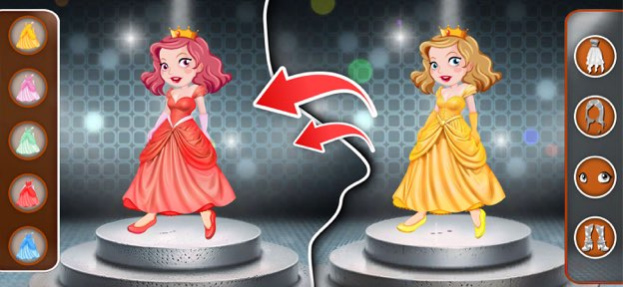


Welcome to my Dream Doll House Design Game 2024. In this Dream Doll House decoration game, you can design your house. Select a room from your Doll House i.e. Bedroom, Washroom, Living Room, or Kitchen, and create it with the cutest element. Now it's up to you how you can decorate your house as there are a lot of combinations. Show all your designing skills in this Decoration game. When you design a room then you can save that combination in your device and also you can save that combination in your game. In this new doll house designing game you can also decorate your doll. Made a unique doll by selecting the cutest elements such as a fashionable dress, hair, valuable shoes, and attractive eyes. Enjoy the doll games with new fashion styles.
About Cozy Dollhouse & Doll Makeover
The company that develops Cozy Dollhouse & Doll Makeover is Sahibzada Aqeel Ahmad. The latest version released by its developer is 1.0 .
To install Cozy Dollhouse & Doll Makeover on your iOS device, just click the green Continue To App button above to start the installation process. The app is listed on our website since 2026-10-15 and was downloaded 0 times. We have already checked if the download link is safe, however for your own protection we recommend that you scan the downloaded app with your antivirus. Your antivirus may detect the Cozy Dollhouse & Doll Makeover as malware if the download link is broken.
How to install Cozy Dollhouse & Doll Makeover on your iOS device:
- Click on the Continue To App button on our website. This will redirect you to the App Store.
- Once the Cozy Dollhouse & Doll Makeover is shown in the iTunes listing of your iOS device, you can start its download and installation. Tap on the GET button to the right of the app to start downloading it.
- If you are not logged-in the iOS appstore app, you'll be prompted for your your Apple ID and/or password.
- After Cozy Dollhouse & Doll Makeover is downloaded, you'll see an INSTALL button to the right. Tap on it to start the actual installation of the iOS app.
- Once installation is finished you can tap on the OPEN button to start it. Its icon will also be added to your device home screen.
